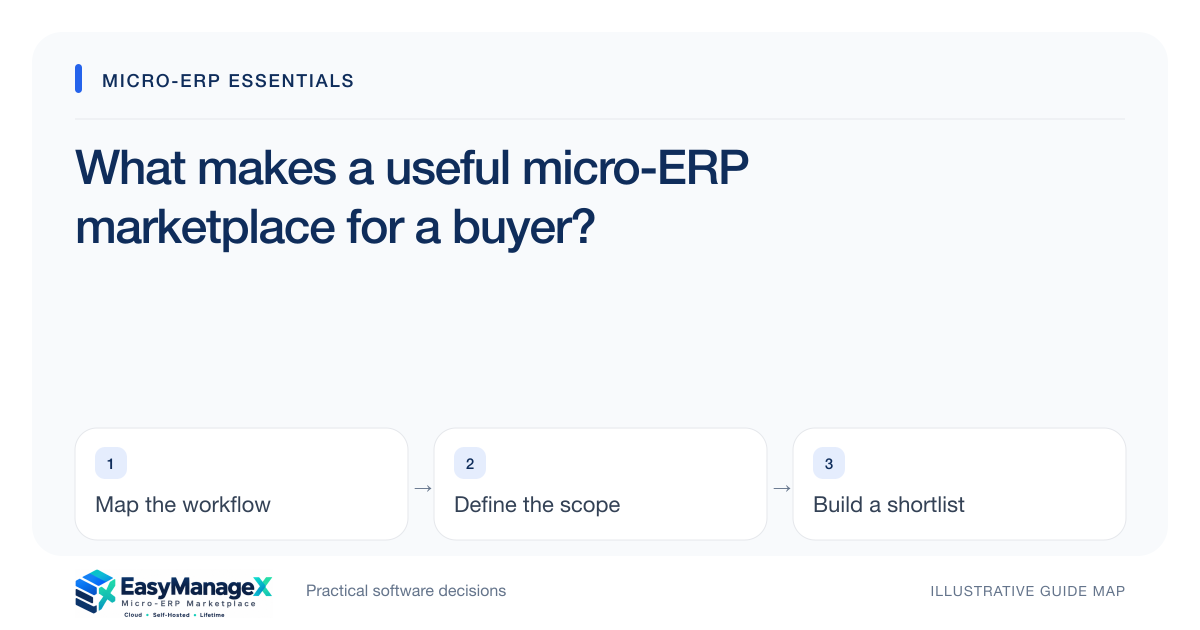
A useful micro-ERP marketplace helps a buyer understand business fit, compare evidence and carry a clear question into the next conversation. Industry navigation and common modules should explain different discovery routes. Product descriptions, screenshots and prices need accurate boundaries, while the enquiry path should preserve the workflow the reader is trying to evaluate.
- Discover by industry when the workflow is specific, or by module when it is shared.
- Distinguish a concept, a documented feature and demonstrated evidence.
- Leave discovery with a shortlist and questions that can be tested.
Make business context the starting point
A buyer may arrive knowing their industry but not the software module name. Another may already know they need customer follow-up or stock visibility. A useful discovery system supports both routes and explains how they connect. Industry language should identify relevant records and handoffs instead of merely decorating the same description with a different business label.
After opening a relevant route, the buyer should be able to ask a more specific question. A restaurant may care about a kitchen handoff; an equipment rental team may care about a return inspection. These contexts help frame software requirements without assuming that every product in a category supports every operating exception the business encounters.
Separate descriptions from evidence
A catalogue description tells you what a listing proposes to cover. Documentation, a representative demonstration and a pilot answer different questions about how it works. Keep these evidence types distinct in the evaluation worksheet. A phrase such as configurable approvals should lead to a test of owners, rejection paths and permission boundaries, not an automatic passed check.
Screenshots need equally clear context. A concept illustration can explain an interface idea, but it does not establish a shipped feature. EasyManageX’s current listings, prices and mockups are illustrative. Use them to organize discovery and questions, then verify actual product availability, scope and current commercial terms with an identified provider before any commitment.
Compare on one operating scenario
Choose a scenario that every candidate can address. Define starting records, the expected outcome and the important exception. Record the evidence for each candidate using the same scorecard. This gives the buyer a fair basis for comparison and reduces the temptation to reward whichever presentation has the most attractive dashboard or the longest feature menu.
Leave space for unknowns. A missing answer is different from a failed test and should trigger a follow-up question. Compare setup work, permission control, integration boundaries, exports and support responsibilities alongside workflow coverage. A marketplace becomes useful when it improves the buyer’s reasoning, rather than implying that a simple star rating can settle a complex operational decision.
Use an illustrative discovery journey
Imagine a repair business starting with the industry directory and finding service scheduling, parts consumption and customer updates as relevant workflows. The owner reads a service guide, identifies which records are missing today and selects a few concepts to investigate. This is an illustrative research journey, not a claim that a particular listing completes that workflow.
The next conversation should carry the business context forward. A useful brief names the priority task, current tools, team size and unresolved questions. The provider can then respond to a bounded requirement rather than guessing what the buyer meant by wanting an ERP. Discovery has produced an actionable starting point even before a product is chosen.
Expose ownership and exit questions early
Software discovery should include hosting and licence boundaries, not leave them for the final payment screen. Ask who runs updates, reviews access, tests recovery and handles incidents. Read how exports are produced and what happens at the end of the agreement. These responsibilities can change the suitability of an option that otherwise appears to match the workflow.
Treat displayed prices as one input to a larger cost model. Include migration, training, configuration, integration and ongoing operation over a consistent planning period. When catalogue prices are illustrative, as they currently are on EasyManageX, do not use them as quotations. Ask for current scope-specific terms and record the assumptions behind any comparison.
End research with a better next action
A practical knowledge hub should help readers progress from understanding a workflow to evaluating options and preparing implementation. Topic guides, related articles and working templates make that route easier to follow. The next action can be a requirements brief, a relevant module page or a discussion of one unresolved question; it does not have to be a purchase.
Use the reading paths and worksheet to capture what you learned. Keep personal or confidential records out of early demonstration data, and confirm how an enquiry is delivered. The current EasyManageX contact action prepares an email in your email application. That boundary is visible so readers can distinguish opening a form from actually sending a message.
Your working checklist
- Choose an industry route or shared module based on your question.
- Record which catalogue statements still need evidence.
- Use the same scenario and scorecard for each candidate.
- Ask about operations, exports and licence boundaries.
- Include migration and training in the cost worksheet.
- Prepare a concise brief before requesting a discussion.
Common questions
Are the current EasyManageX listings verified commercial offers?+
They are illustrative catalogue concepts with sample screenshots and prices. They can help organize research, but they are not proof of live product availability or a completed capability. Confirm an actual provider, demonstrated features, licence terms and current pricing before committing.
Should I discover software by industry or by module?+
Start with industry when the workflow depends on particular business records or handoffs. Start with a common module when the need is shared, such as approvals, projects or customer follow-up. Use the linked guides to connect both routes and refine the scenario you want a provider to demonstrate.
What is a useful outcome before choosing a product?+
A bounded requirements brief and an evidence-based shortlist are useful outcomes. They should explain the priority workflow, important exceptions, operating responsibilities and open questions. That preparation lets a provider respond specifically and helps your team define a pilot rather than approving a product from presentation quality alone.
Sources and further reading
These primary references explain relevant concepts. Our scenarios and working checklists are original, illustrative guidance.
- IBM: What is enterprise resource planning?
ERP integration and shared operational data; vendor-neutral original guidance in our articles.
- OWASP Authorization Cheat Sheet
Least privilege, deny by default and permission verification.
- NIST Small Business Cybersecurity Corner
Business security planning and owner responsibilities.
Published by EasyManageX as practical, AI-assisted guidance. Examples are illustrative. Confirm software capabilities, licence terms and project-specific requirements before committing. Read our editorial policy.