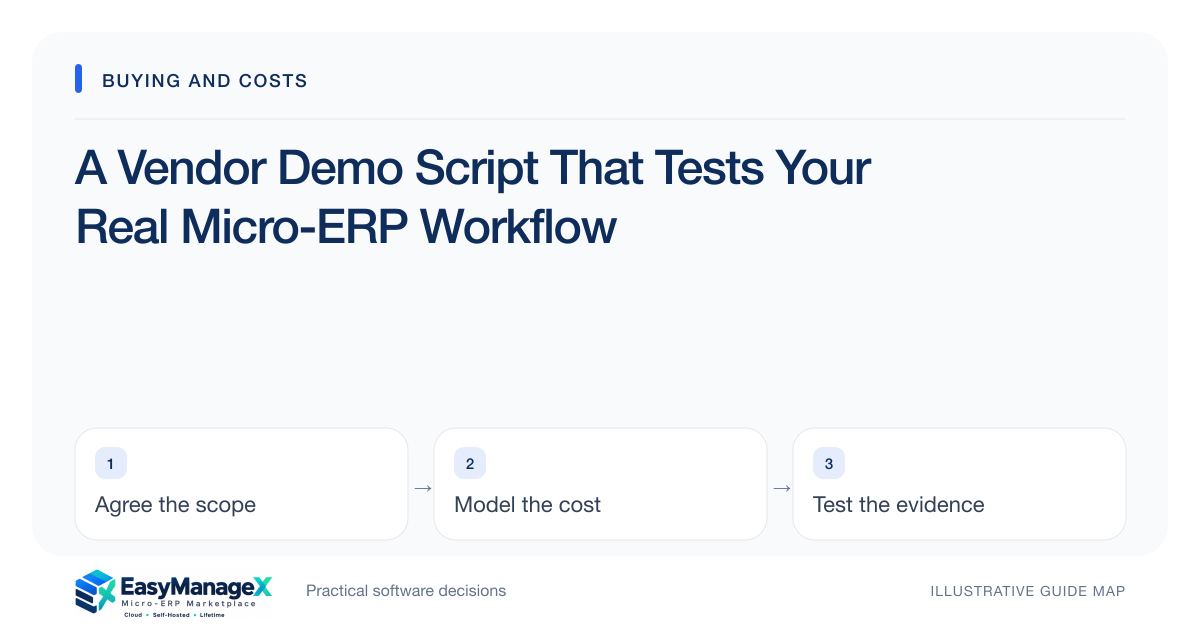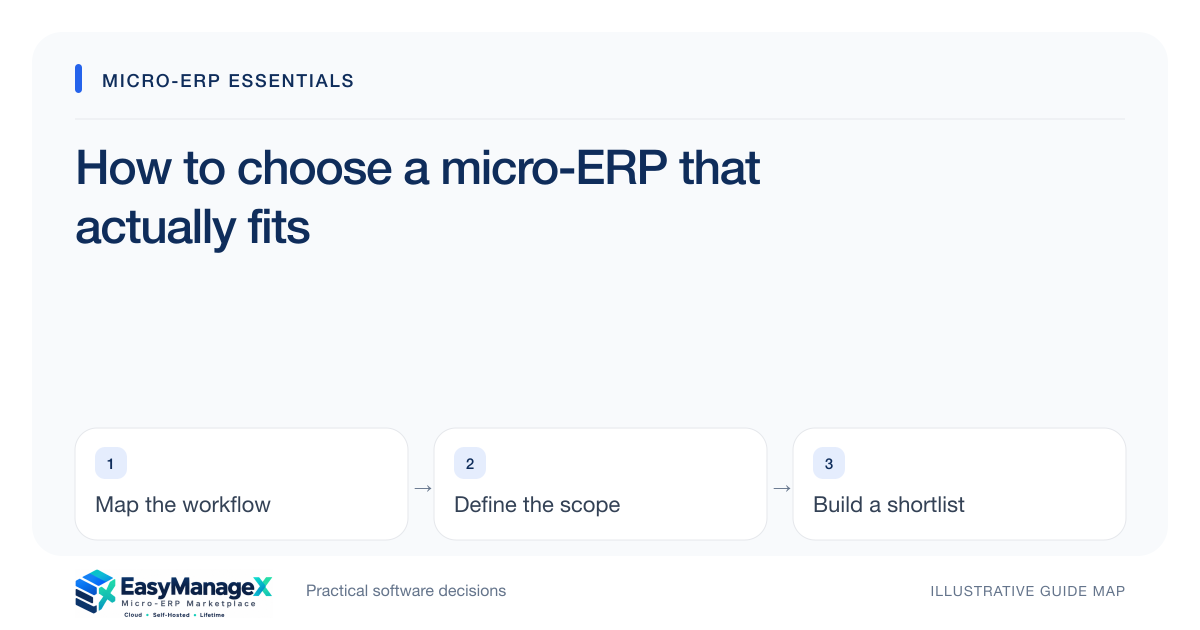
Choose a micro-ERP around a repeatable workflow rather than a long feature list. Define who starts the work, which records move between people, how exceptions are handled and what a successful outcome looks like. Then test a shortlist with the same sample scenarios and compare the full operating commitment.
- Describe the bottleneck before naming software modules.
- Ask for evidence using your own sample workflow and exceptions.
- Compare ownership, portability and operating costs alongside features.
Start with one operational bottleneck
Pick a recurring problem that someone can describe from yesterday’s work. Perhaps a sale is completed before stock is updated, or a service request is passed between three inboxes. Write the starting event, the person responsible and the final record. This gives software discovery a concrete boundary instead of turning every department’s wish list into a first release.
Include the exceptions that consume attention: a cancelled order, a duplicate customer, a return after dispatch or an approval that is waiting for its owner. A workflow map should show where the team currently repairs missing information. Those repair steps are often more useful selection criteria than the neat sequence shown in a prepared sales presentation.
Name the records and the owners
List the small set of records the workflow depends on. For a stock-and-sales process, that might mean item, location, order, receipt and return. Decide which identifier connects them and who may create, amend, approve or close each record. Record ownership prevents two departments from maintaining competing versions of the same operational truth.
Separate the permission decision from the job title. A cashier may create a sale while a supervisor authorizes an unusual adjustment. An administrator’s ability to configure a screen should not automatically allow them to approve a business exception. Ask the provider to demonstrate those boundaries rather than assuming that a feature labelled user roles is sufficient.
Sort essential scope from later improvements
Write three groups: needed for the first workflow, useful after the pilot and outside the current decision. Each essential requirement should be observable. For example, an authorized user can locate a return and trace it to its original order. That is testable; a request for a complete customer-centric platform is open to conflicting interpretations.
Ask what would happen if a proposed feature were absent for the first month. If the team could still complete the chosen workflow with a documented workaround, the feature may belong in the later group. This exercise protects the pilot from becoming a collection of unrelated integrations, dashboards and custom screens with no clear acceptance owner.
Run one illustrative selection scenario
Imagine a small retailer whose staff sell from a counter while the owner receives deliveries. Use sample items, two storage locations and one partial return. The demo should follow a receipt, a sale, a transfer and the return, then explain the remaining available stock. These are illustrative records, not evidence of an actual EasyManageX product capability.
Give every shortlisted provider the same records and expected outcome. Note which steps were demonstrated, which needed configuration and which remained unanswered. Request an export at the end of the exercise. A provider that can explain exceptions and handoffs gives you more useful evidence than a polished tour with unrelated data and no acceptance criteria.
Compare the operating commitment
A software choice includes responsibilities after the demonstration. Ask who handles user changes, updates, backup checks, incident response and support escalation. Hosting location and licence terms are separate decisions. A self-hosted package can still carry recurring support costs, and a perpetual-use licence may have limits on updates, users or supported environments.
Build a simple cost worksheet covering setup, data preparation, training, integrations and ongoing operation. Use a consistent time horizon and state assumptions. Do not treat the smallest displayed subscription as the smallest commitment. A low fee with unresolved migration or support responsibilities can produce more work than a higher fee with a clear operating agreement.
Make the decision with a pilot owner
Choose a business owner who can accept the workflow and a technical contact who can test access, exports and recovery. Set a limited pilot scope and a decision date. The result should be a list of passed checks, unresolved requirements and conditions for proceeding, rather than a vague impression that the team liked the screens.
Use the industry and module guides to refine questions, then prepare a requirements brief. EasyManageX’s current listings are illustrative concepts for exploration, so confirm live availability and actual scope with a provider. The useful output of this research is an evidence-based shortlist and a bounded pilot plan, not an assumed purchase commitment.
Your working checklist
- Write the starting event and final record for one workflow.
- Assign a business owner and a technical contact.
- List essential records, identifiers and permission boundaries.
- Prepare a normal case and three exceptions for the demo.
- Request an export and review the operating responsibilities.
- Record the cost assumptions and pilot acceptance conditions.
Common questions
Should a small business start with a complete ERP suite?+
Start with the scope needed to complete the priority workflow. A broader suite can be appropriate when several tightly connected processes genuinely need shared records, but the decision should follow those connections. Avoid expanding the first pilot simply because additional modules appear in the same product menu.
How many products should I compare?+
Choose a shortlist small enough to test consistently. The useful limit depends on your team’s evaluation capacity, not an arbitrary market rule. If you cannot run the same scenarios, ask the same ownership questions and record comparable evidence for each candidate, narrow the list before scheduling more demos.
What should I bring to a requirements discussion?+
Bring a short workflow description, sample record structures, essential permissions, current tools and the questions a demo must resolve. Use fictional or appropriately sanitized records. Include the team size and preferred setup, while leaving room to discuss migration, integrations and operating responsibilities that are still uncertain.
Sources and further reading
These primary references explain relevant concepts. Our scenarios and working checklists are original, illustrative guidance.
- IBM: What is enterprise resource planning?
ERP integration and shared operational data; vendor-neutral original guidance in our articles.
- OWASP Authorization Cheat Sheet
Least privilege, deny by default and permission verification.
- AWS Well-Architected Cost Optimization Pillar
Cost ownership and measuring resource spending, not ERP price benchmarks.
Published by EasyManageX as practical, AI-assisted guidance. Examples are illustrative. Confirm software capabilities, licence terms and project-specific requirements before committing. Read our editorial policy.