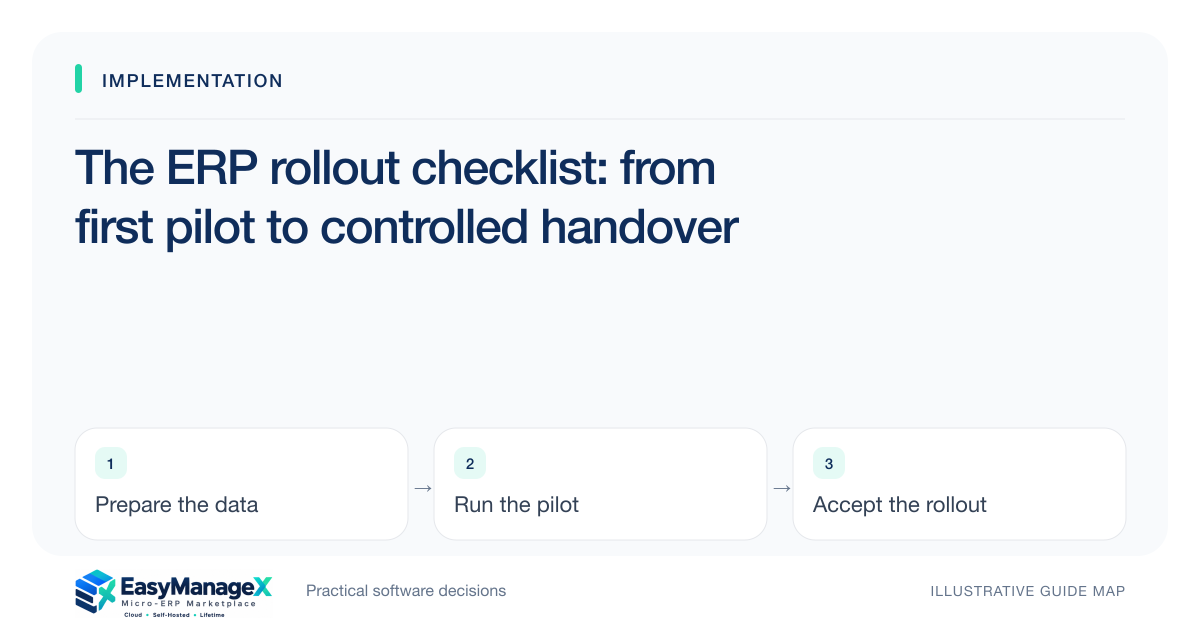
An ERP rollout should progress through explicit gates: agree the workflow, prepare the records, test a limited pilot, verify permissions and recovery, then accept a controlled go-live. Assign an owner to each gate and document what happens when a check fails. A launch date becomes useful when the acceptance evidence supports it.
- Use acceptance checks that a business owner can observe.
- Test data, access and restoration before broad adoption.
- Keep a recoverable path and a named support owner after go-live.
Write the first acceptance gate
Describe the workflow the pilot must complete and the evidence the owner expects. For example, a purchase request should reach an authorized decision, create the intended downstream record and leave a traceable explanation for a rejection. Add the normal case and exceptions to the acceptance list before scheduling configuration or migration work.
Assign a business owner, a technical contact and an escalation decision-maker. Agree which issues stop the rollout and which can be accepted with a documented workaround. This protects the team from a common failure: a calendar date becoming the only gate while unanswered access, data or operating questions are carried into production without an owner.
Prepare a small representative data set
Use records that exercise the workflow rather than the entire historical archive. Check identifiers, mandatory fields, duplicates, relationships and attachment handling. Keep a mapping between source fields and the proposed target fields, including any transformation rules. A clean sample exposes import assumptions while the cost of correcting them is still limited.
Record the reconciliation you will perform after the import. Counting rows is useful, but it does not show whether records still connect correctly. Inspect a representative customer, item, order or project through its linked transactions. Keep a source copy and log rejected records so that missing information does not disappear into an import summary labelled successful.
Test roles and the uncomfortable cases
Run the pilot as the people who will use the workflow, with their intended permissions. Include a user who should be unable to approve an exception or view a restricted record. Test cancellation, correction, reassignment and a missing upstream record. A demonstration under an administrator account cannot establish how a real team will handle those situations.
Use a simple issue record containing the scenario, expected result, observed result, severity and owner. Retest the failed scenario after a fix instead of treating a configuration change as proof. Keep important decisions in the issue record so the next operator understands why a permission, validation rule or approval boundary was chosen.
Plan a recoverable cutover
Before a broader release, decide when the source becomes read-only, when final records are transferred and who reconciles the result. List the conditions for stopping or reversing the cutover. Distinguish restoration of the system from reconciliation of business activity that occurred after the change; recovering files alone does not resolve every duplicated or missing transaction.
Test the recovery procedure with the technical owner and record the outcome. Include files, configuration and dependencies required to make the workflow usable, not only a database backup. The plan should identify who can authorize recovery and how staff will continue essential work during an interruption. Use the provider’s actual supported procedures for the chosen environment.
Train with an illustrative working day
Imagine a small warehouse piloting receipts and dispatch for one location. Training follows a partial receipt, an unavailable item and a dispatch correction. A staff member completes the work while another checks the resulting records. This illustrative exercise gives the team a useful practice session without presenting an invented customer success story or a guaranteed improvement.
Write a short operating guide around those tasks. Explain where to find the relevant record, who handles an exception and how to report an issue with enough context. Keep the instructions accessible and consistent with the tested roles. A long tour of every menu is less useful than practicing the decisions people must make on their next shift.
Accept the rollout and hand over ownership
Use the acceptance record to decide whether the workflow is ready for a controlled release. The business owner should acknowledge unresolved limitations and the technical owner should confirm operating responsibilities. Capture the versions, support contacts, access owner and recovery evidence. This handover turns a project into an owned operating process rather than leaving maintenance with whoever configured the pilot.
Set a follow-up review around actual exceptions, adoption questions and record quality. Keep a route for reporting issues and approving changes after the project team moves on. A rollout is not complete merely because users can log in. It is complete for the agreed scope when the team can finish the work, handle exceptions and identify who supports the system.
Your working checklist
- Define the pilot workflow and pass/fail criteria.
- Name business, technical and escalation owners.
- Validate mappings and reconcile linked sample records.
- Test real roles, corrections and failure scenarios.
- Write and exercise a cutover and recovery plan.
- Train with representative daily tasks.
- Record acceptance, operating contacts and a follow-up review.
Common questions
Must every historical record be migrated before the pilot?+
Usually the pilot needs a representative set that tests relationships and important exceptions. Decide which records are needed for the chosen workflow and which history can remain accessible elsewhere. A broader migration should follow a defined retention and access plan, with mapping and reconciliation evidence.
What should stop a go-live decision?+
A failed check should stop release when it prevents essential work, compromises required access boundaries, leaves records unreconciled or removes a credible recovery route. Agree severity and acceptance rules in advance. Smaller issues can proceed only with an owner, a documented workaround and a planned resolution.
How should support work after the project finishes?+
Assign a routine support contact, a technical escalation path and a business owner for changes. Keep the accepted configuration, known limitations and recovery instructions available to them. Review real exceptions after launch and distinguish training questions from defects or newly requested scope.
Sources and further reading
These primary references explain relevant concepts. Our scenarios and working checklists are original, illustrative guidance.
- ERPNext documentation: Data Import
Templates, validation errors, record keys and CSV imports. This is further reading, not a claim about EasyManageX products.
- OWASP Authorization Cheat Sheet
Least privilege, deny by default and permission verification.
- AWS Well-Architected Reliability Pillar
Recovery, resilient operations and reliability decisions.
Published by EasyManageX as practical, AI-assisted guidance. Examples are illustrative. Confirm software capabilities, licence terms and project-specific requirements before committing. Read our editorial policy.